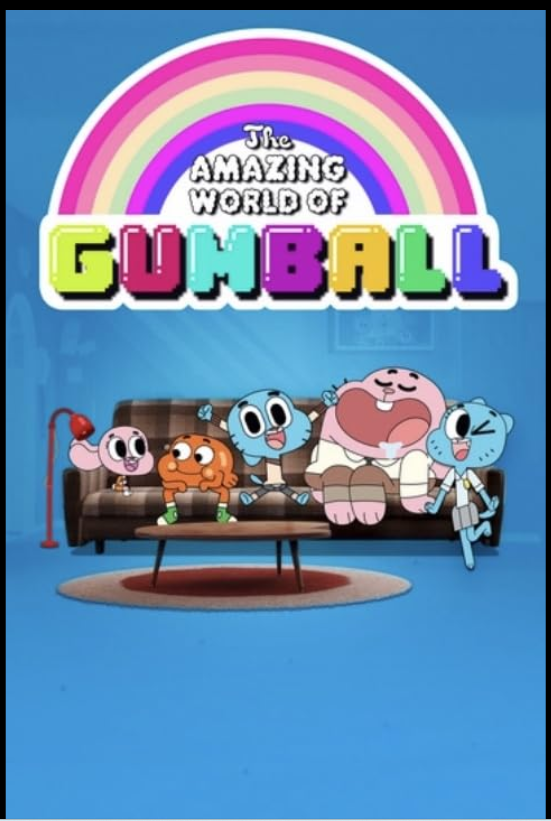
Includes live TV, football matches from Europe to Africa.
Local and worldwide reality shows, movies and series from HBO, Netflix, Disney+, and more.
or
✅ No credit card required
✅ No complicated registration
✅ No content restrictions
Unlock ALL live channels, movies, sports, and shows. Why wait? Binge-watch guilt-free TODAY!
App Channel Preview
How it works?
⚠️ If you can access Google Play Store, go to step 3 directly.
1. Download and Install the App
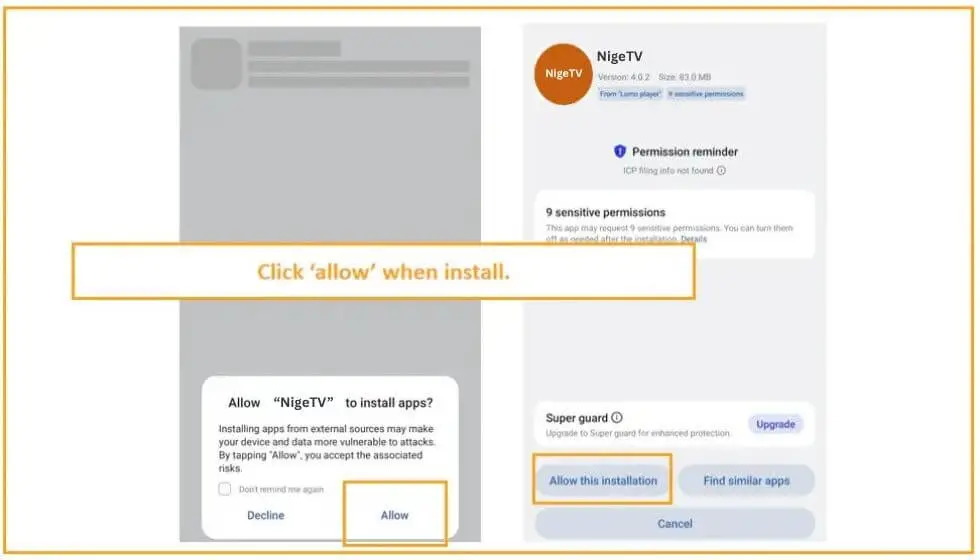
2. Allow your device to install app.
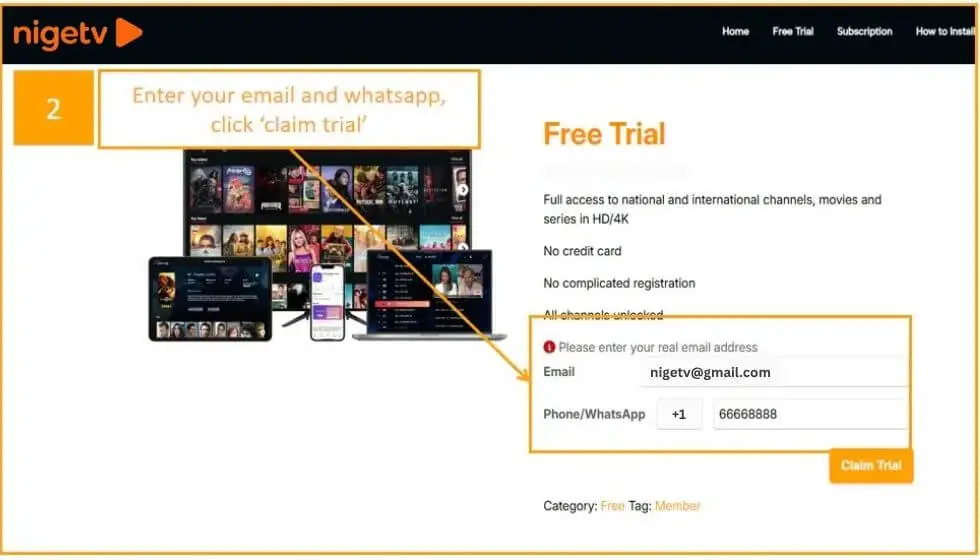
3. Now enter your email and whatsapp number to get username and password for free.
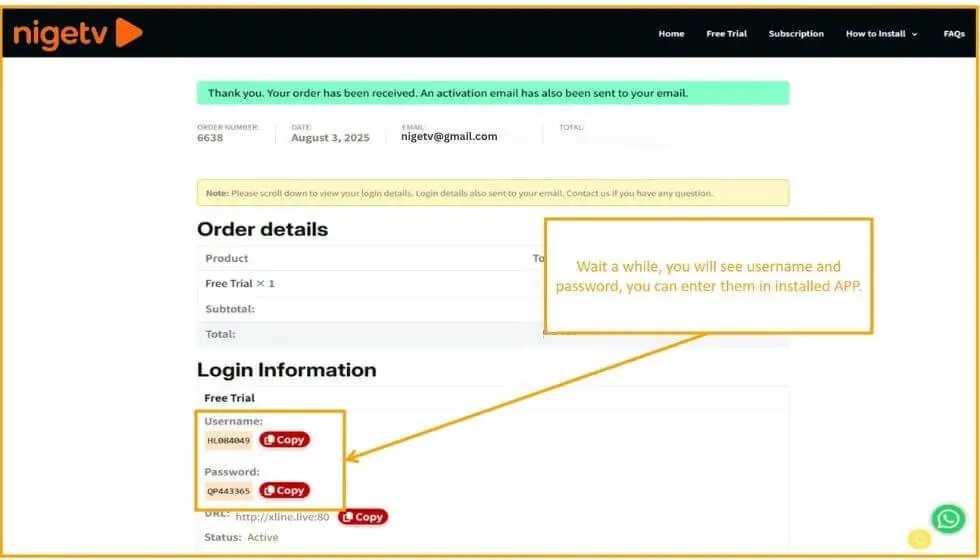
4. Wait a while, your username and password will be generated.
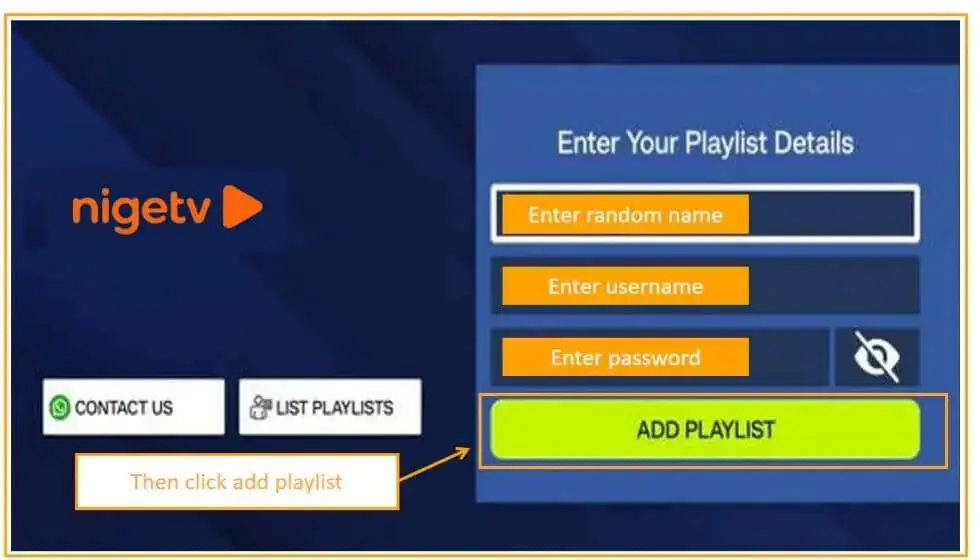
5. Enter a random name, assigned username, assigned password.
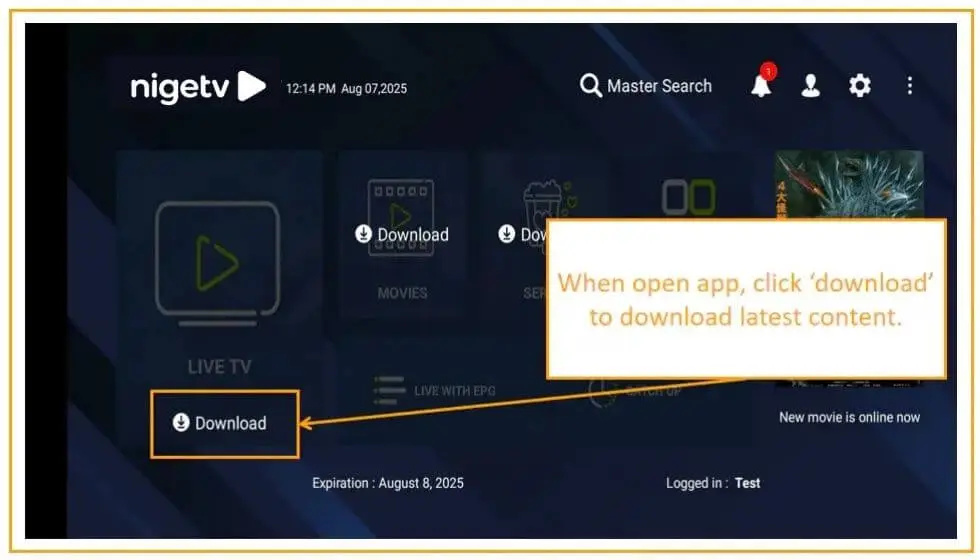
6. Click ‘Download’ to update the latest content.
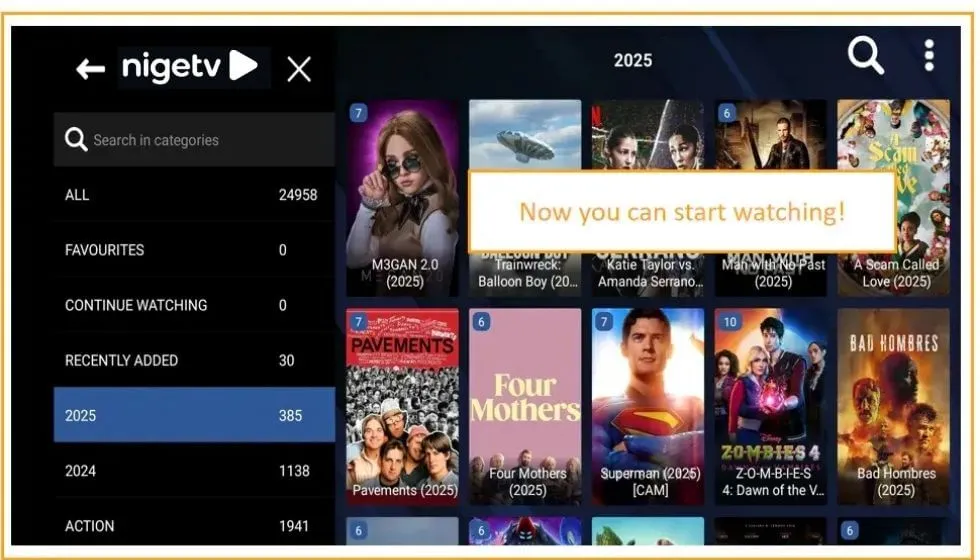
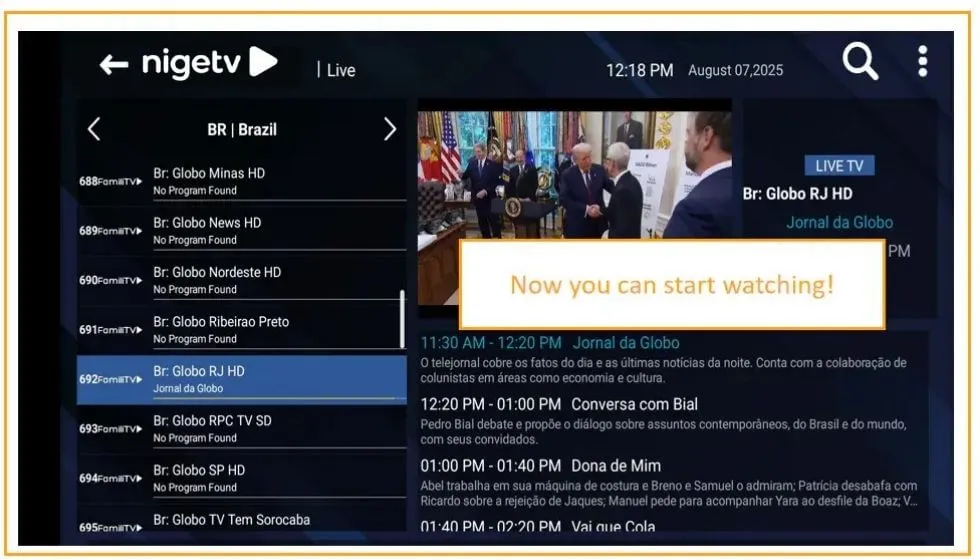
7. Then you can start to watch.
⚠️ Attention
Trial username and password will expire in 24 hours, and you may not receive expiration notification. Please come back to renew with paid subscription service to continue watching.
How to download and install the app?
(Click on your device)
Google Play Store
Android Smart TV
Android Phones
iPhone
No matter what device you are using, as long as you can access Google Play Store, you can download it directly from Google Play Store.
2 At the top of this webpage, enter email etc and get your free trial username, password, enter in app and start watching.
To watch on your Android TV Box or Smart TV (Xiaomi, Samsung, Amazon, Roku, TCL, etc), you’ll need to enable ‘developer mode’ first due to some devices don’t allow unknown app install (FireTV Stick as sample):
1 Go to settings → click ‘my xx tv’ (or similar menu in other brand TV).
2 Tap ‘About’ → tap your device name 7 times
3 Now ‘developer mode enabled’.
4 Open a browser (sometimes called ‘internet’) and enter ‘nigetv.com and download our app’ then install it.
5 Or, you can also download apk to your cell phone then send it to your smart TV, see below tutorial video.
6 Claim and get your free trial username and password and enter to app, then enjoy your free trial.
7 If the previous method doesn’t work on your Amazon/Android TV device, try this alternative approach: first, install “Downloader by AFTVNews” from your device’s app store.
Open the app and enter code: 4110930, the download of our app will begin automatically.
Alternatively, you can directly visit http://aftv.news/4110930 in any browser to access the installation page.
Don’t forget to enable ‘developer mode’, and allow ‘Install Unknown Apps’ in your device settings.
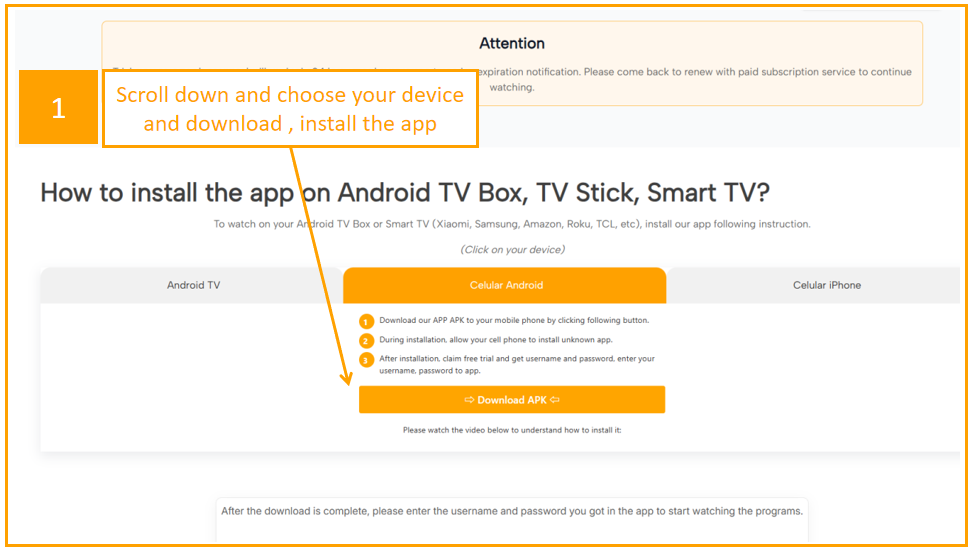
1 Download our APP APK to your mobile phone by clicking following button.
2 During installation, allow your cell phone to install unknown app.
3 After installation, claim free trial and get username and password, enter your username, password to app.